



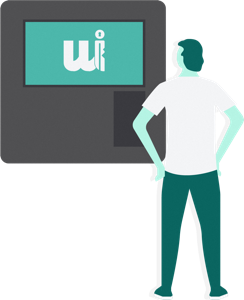
 01
Approach the Smart Box that is visibly located next to our office.

 ×
Skip the counter! Pick up now the keys of your rental car with our new system Smart Box: FREE with the “Locked Price” rate.
Skip the counter!
01 Approach the Smart Box that is visibly located next to our office.
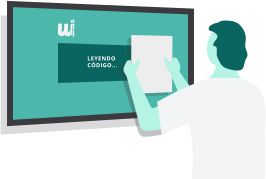 02
Scan the barcode on the reader located on the right side. Confirm the data of your booking that will be displayed on the screen.
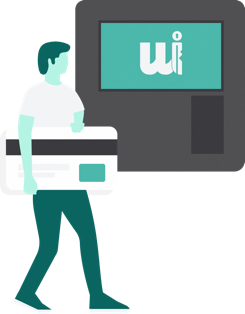 03
Payment. Introduce your card in the machine to make the payment. If you have already made the payment online, go the next step.
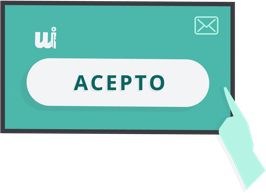 04
Contract agreement. Read and sign the contract displayed on the screen. You will receive a copy of the contract in your email.
 05
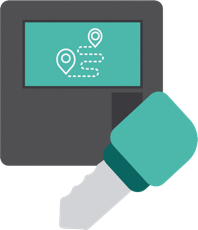
Collect your keys. The Smart Box will provide you the keys as well as the number of the parking space where the car you booked is located.
 06
Get in, start the car and… enjoy your#WiberExperience!
Important: to use the Smart Box, you must complete the online check-in with the specified details and documents.
Driver age


